Save File Dialog
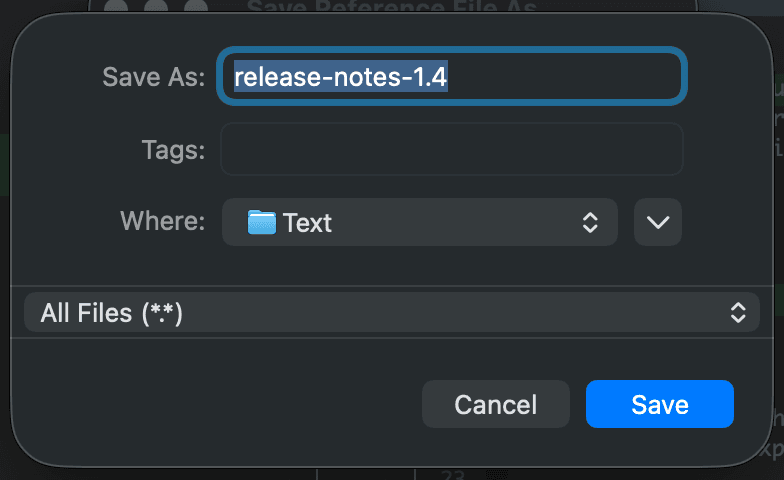
When you choose File > Save As…, DeltaWalker Classic lets you set the character encoding and the line endings to save the file with, and then shows the native Save dialog of your operating system:
- On Windows, the Encoding and Line ending choosers are part of the Save dialog, as in the Select File dialog.
- On macOS and Linux, a small dialog with the Encoding and Line ending choosers opens first. Click OK in it to continue to the Save dialog.
The Select File dialog page describes both choosers. The Save File dialog is the last place where you can change the character encoding and the line endings of a file before DeltaWalker Classic writes it to disk.
To save a file on a server or in cloud storage, choose File > Save As Remote…, which opens the Select Remote File dialog for saving. Remote locations are not available in DeltaWalker Classic Free.
If you need help with the Save dialog itself, consult your operating system’s help.
Appearance
See Also
Last updated on